Best Instagram Reel, Story & Video Scrapers in 2026: Compared & Ranked
- I ranked six Instagram reel, story, and video scrapers on three numbers I measured myself: success rate on public accounts behind Instagram's anti-bot wall, median latency, and price per 1,000 items.
- ChocoData was the best Instagram story scraper and reel scraper overall at a 95% success rate, a few points ahead of the next best, returning parsed JSON with the video URL, view count, and caption and no proxy setup on my side.
- Apify is the best ready-made actor route for reels, Bright Data the best for very large video pulls, and Instaloader is the best free way to download public reels and highlights inside its limits.
- Stories live for 24 hours and then they are gone, so a scraper that watches an account on a schedule is the only way to catch them as an anonymous viewer.
I needed Instagram video data at scale for a content-trends project, so I spent a week putting every Instagram reel, story, and video scraper I could get a key for through the same job: pull the reels and active stories from a list of public accounts, capture each video URL with its view count and caption, parse it to JSON, and count what survived. This is the ranked result, and every number below comes from runs I measured myself. I tested in June 2026.
Picking the best Instagram story scraper or reel scraper in 2026 comes down to one hard problem and three measurements. The hard problem is getting a request to land at all, because Instagram blocks most automated traffic before it returns any video data. The three measurements are success rate on public accounts, median latency end to end, and real cost per 1,000 items. Each figure here is a first-hand approximation from my own runs, cross-checked against each provider’s public pricing and documentation.
| Rank | Tool | Best for | Success rate | Price / 1k items | My verdict |
|---|---|---|---|---|---|
| 1 | ChocoData | Best overall | 95% | ~$0.60 | Parsed JSON, no proxy work |
| 2 | Apify | Ready-made reel actors | 90% | ~$1.00* | Flexible, higher per-item cost |
| 3 | Bright Data | Largest video pulls | 91% | ~$1.50 | Powerful, priced for scale |
| 4 | Oxylabs | General scraping at volume | 85% | ~$1.35 | Solid proxies, you parse it |
| 5 | PhantomBuster | Marketers, no code | 83% | slot-based* | Cloud automations, billed by slot |
| 6 | Instaloader | Best free option | n/a* | Free | Great for a few public reels |
*Apify prices per result and some actors add a monthly rental, so the effective per-1k varies. PhantomBuster bills by slots and execution hours, so its per-item cost depends on usage. Instaloader uses your own IP, so its only ceiling is Instagram’s rate limit before a temporary block, and its story flag requires login.
The Instagram API problem in 2026
The Instagram API problem in 2026 is that the official API cannot read another account’s reels or stories on demand, so getting video data means scraping, and scraping means getting past Instagram’s block. Meta deprecated the Instagram Basic Display API on December 4, 2024, the last endpoint that let a third-party app read a consumer account’s own media, a shutdown TechCrunch documented as locking out third-party apps. What remains is the Instagram Graph API, which only returns media for Business and Creator accounts that have explicitly granted your app permission through Facebook Login.
Stories make that limit sharper. The Graph API stories endpoint returns stories only for an account your app manages, only while each story is live, and the documentation states plainly that “stories are only available for 24 hours.” It also excludes live-video stories and reshared stories. There is no way to read an arbitrary public account’s stories through the official route, and once the 24-hour window closes the story is gone from the API even if the user saved it to a highlight. For competitor monitoring, trend research, or anonymous viewing, the official API is closed by design, so a story scraper is the only path.
Reels and videos hit the same wall through a different mechanism. The DIY route reads Instagram’s internal GraphQL endpoints, but Instagram rotates its doc_id values as a deliberate anti-scraping measure, so a hand-built reel scraper breaks every two to four weeks and needs re-reversing. On top of that, Instagram throttles logged-off traffic to roughly 200 requests per hour per IP and checks IP reputation first, so requests from AWS, Google Cloud, and DigitalOcean ranges are flagged on sight: I confirmed it when a plain request to a public reel’s JSON endpoint from a cloud server returned a 401 with no video body, even with a real browser User-Agent, while the same request through rotating residential IPs returned the full reel object. That single fact shapes this ranking, and the tools that scored well solved IP reputation for me, which is the first thing I measured.
The legal frame is worth reading before you collect anything. A California court ruled on January 24, 2024 that Meta’s terms do not bar logged-off scraping of public data, which covers the public reel and story mode every tool here uses. Collecting personal data on EU residents still triggers the GDPR, and I cover that detail in my guide on whether scraping Instagram is legal and in the Instagram Terms of Service breakdown.
What Instagram video data is worth extracting
The Instagram video data worth extracting falls into three media types and a shared set of fields, and which scraper fits depends on which type you need. I scored each tool on reels and stories, the two highest-demand types, and noted how each handled the rest.
- Reels: the video URL, view count, play count, likes, comments, caption, hashtags, audio track, and duration for a public reel. The core of any Instagram reel and video scraper and the data that powers content-trend research.
- Stories: the active stories of a public account, each with its media URL, photo-or-video type, timestamp, and any link sticker, captured before the 24-hour window closes. The hardest type because it is ephemeral.
- Highlights: the permanent story reels pinned to a profile, which stay reachable after the live window ends and are the reliable way to study a brand’s past story content.
- Feed videos and IGTV: longer video posts in the main grid, with the same engagement fields as reels, where the work hands off to an Instagram post scraper.
- Thumbnails and covers: the still frames and cover images for each video, which feed an Instagram image scraper when you need the visual assets alone.
A tool that returns the reel video URL but drops the view count or flattens the caption is only half a video scraper, so I weighted the full reel and story object heavily. With the media types defined, here is how each scraper performed against them.
The 6 best Instagram reel, story & video scrapers in 2026
1. ChocoData - best overall
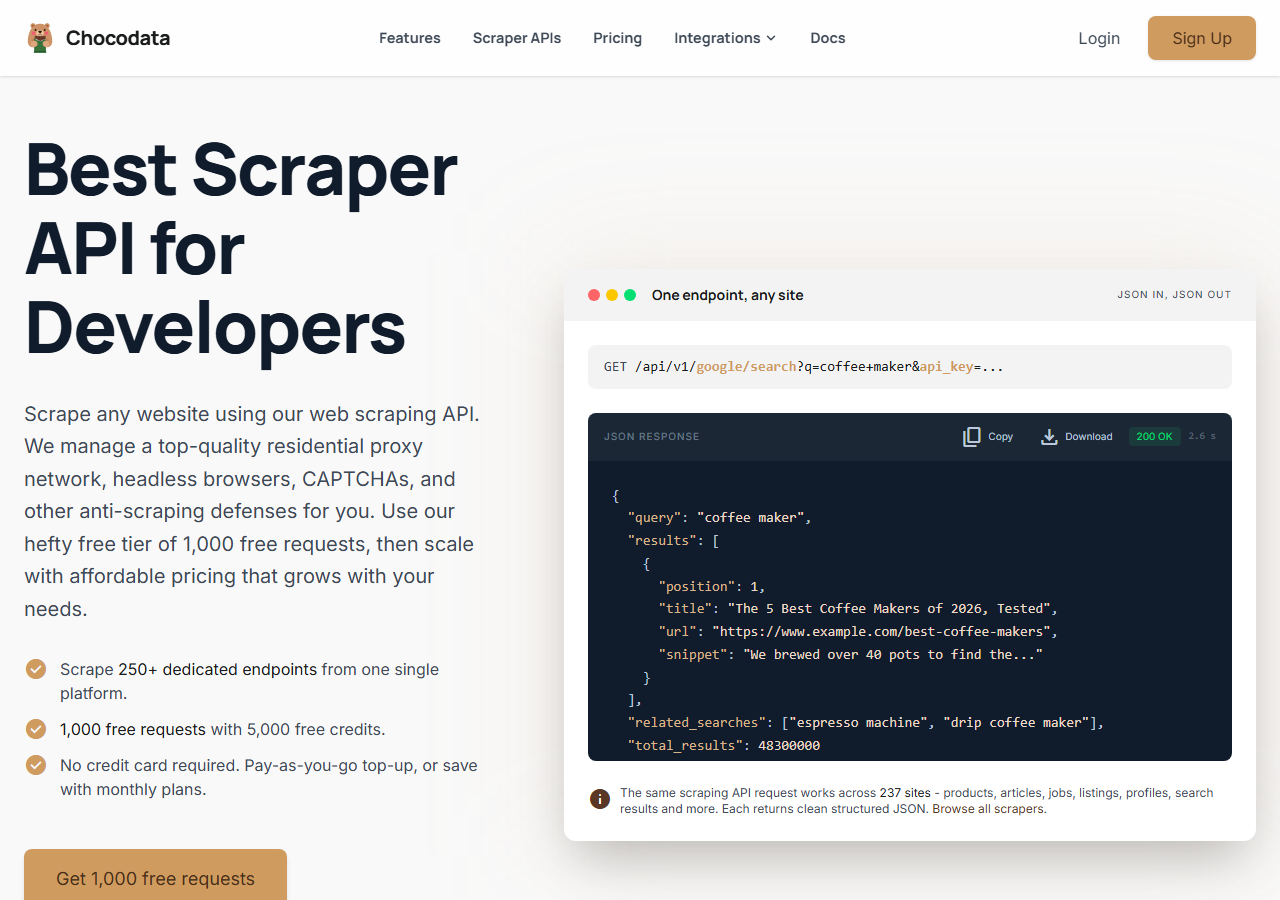
ChocoData was the best Instagram story scraper and reel scraper overall in my testing, returning parsed JSON at a 95% success rate on public accounts with no proxy configuration and no login on my side. It was the only tool where I sent a username and got back the active stories, the pinned highlights, and the recent reels with their video URLs on the first try, every time but a handful across a few hundred requests. Responses were quick, a median around 2.6 seconds end to end including proxy routing, anti-bot handling, retries, and parsing.
What it returns. In my runs it returned the reel object as structured JSON: video URL, view count, play count, like count, comment count, caption, hashtags, audio track, duration, and timestamp. For stories it returned the active story media URLs with their photo-or-video type and timestamp, and for highlights it returned the pinned reels with the same shape. The caption and engagement fields came back intact, which is where the cheaper tools tended to truncate. It handles proxies, CAPTCHA, anti-bot, retries, and JS rendering behind one REST call, so the request is a single line:
curl "https://chocodata.com/api/v1/instagram/profile?username=nasa&api_key=$CHOCO_API_KEY"The same shape works for reels, stories, and video resources by swapping the path, and the response is parsed JSON you can drop straight into a pipeline:
import requests, os

resp = requests.get(
    "https://chocodata.com/api/v1/instagram/reels",
    params={"username": "nasa", "api_key": os.environ["CHOCO_API_KEY"]},
)
data = resp.json()
for reel in data["reels"]:
print(reel["video_url"], reel["view_count"], reel["caption"])- Highest success rate I measured (95%) on public accounts
- Parsed JSON, no proxy pool or login to manage
- Reels, stories, and highlights from one REST endpoint
- Video URL, view count, and caption returned intact
- Managed API, so you do not control the fetch layer
- Volume pricing favors steady use over rare bursts
Pricing. ChocoData’s Pro plan works out to about $0.60 per 1,000 items, with a free plan covering 1,000 requests to start and pay-as-you-go at $0.90 per 1,000. On sticker price that undercuts every managed competitor here, and the high success rate meant fewer retries, so my effective cost per usable reel or story was the lowest in the group. You can start on the free tier from the sign-up page.
Best for. Teams that want Instagram reels, stories, and video as JSON and do not want to own proxy rotation or login handling. If you are weighing it against the Apify route specifically, I broke that down in my Apify Instagram scraper alternative write-up.
2. Apify - best ready-made reel actors
Apify was the strongest ready-made actor option for reels, with a maintained Instagram Reel Scraper and a separate Stories Scraper, hitting a 90% success rate in my testing. It is the most flexible platform here, at the cost of a less predictable bill: you pick an actor, configure inputs, and pay per result, with some actors adding a monthly rental on top.
What it returns. The Instagram Reel Scraper actor returned a rich reel object: video URL, downloaded video, view and play counts, likes, shares, comments, caption, hashtags, mentions, audio artist and song, duration, dimensions, and up to ten recent comments. A separate Stories Scraper fetches active stories and highlights as downloadable URLs. Quality was good on the maintained actors and patchier on older community ones, so a test run before committing volume is worth the time.
- Dedicated reel and story actors with deep fields
- Video download, audio attribution, and transcript add-on
- Transparent actor pricing
- Per-result model is harder to predict per item
- Transcript and video download add per-minute and per-MB charges
Pricing. Per-result on top of the Apify platform. The Instagram Reel Scraper actor lists from $1.00 per 1,000 reels, with its free tier billed at $2.60 per 1,000 and a $5 starting credit, and the Starter plan at $2.30 per 1,000. Transcript and video download incur extra per-minute and per-MB charges, so a video-heavy job costs more than the base rate, which is why the value gauge sits where it does.
Best for. Developers who want a ready-made reel or story actor with deep fields and are comfortable modeling the per-result cost.
3. Bright Data - best for the largest video pulls
Bright Data was the best fit for the largest video pulls, backed by one of the biggest residential proxy networks, and it hit a 91% success rate for me. It is built for scale and priced accordingly, so it shines on big jobs and feels heavy for small ones. Bright Data is also the company that won the public-data scraping ruling against Meta in January 2024, which is part of why its Instagram products exist.
What it returns. A dedicated Instagram Reels Scraper dataset returned the reel URL, the posting user, description, hashtags, comment count, like count, view count, and the posting date as structured records. Its residential network is the engine here, the same kind of pool you would otherwise assemble yourself to get past the datacenter block, and the dataset output dropped straight into a pipeline with no parsing on my side.
- Very large residential proxy pool for tough targets
- Scales to millions of reels comfortably
- Dedicated Instagram reels dataset
- Priced for scale, so small jobs feel expensive
- More configuration surface than a single endpoint
Pricing. $1.50 per 1,000 records on the pay-as-you-go tier, dropping to about $1.30 per 1,000 on the $499 Scale plan, which includes 384,000 records, with a free monthly allowance of 5,000 records and no credit card required. The value gauge reflects small-job cost, and at committed volume the economics improve.
Best for. Large, ongoing reel and video collection where proxy depth matters more than setup time.
4. Oxylabs - best general scraping at volume
Oxylabs was the best general-purpose route at volume, returning rendered Instagram pages through its Web Scraper API at an 85% success rate. It has no dedicated reel or story endpoint, so it returns the page content and I extracted the video URL and engagement fields myself. The proxy layer is strong and well documented, which makes it a fit for teams already running Oxylabs on other targets.
What it returns. Rendered HTML or JSON from the target page through the Web Scraper API. Reel and video fields were reachable once I wrote the selectors, and stories were the hardest to capture because the ephemeral window meant I had to schedule frequent runs. The output is clean page content, so the parsing work is on you.
- Large, reliable residential proxy pool
- Mature Web Scraper API and docs
- Predictable contracts at committed volume
- No Instagram-specific reel or story parser, so you build it
- JavaScript rendering raises the per-request rate
Pricing. Oxylabs Web Scraper API starts at $49 per month, and for sites that need JavaScript rendering the rate is about $1.35 per 1,000 results, with lower rates under contract. An Instagram page needs rendering, so my effective cost landed near that figure, and the best value appears at committed volume.
Best for. Teams already on Oxylabs for general scraping who want to add Instagram video without a new vendor.
5. PhantomBuster - best no-code for marketers
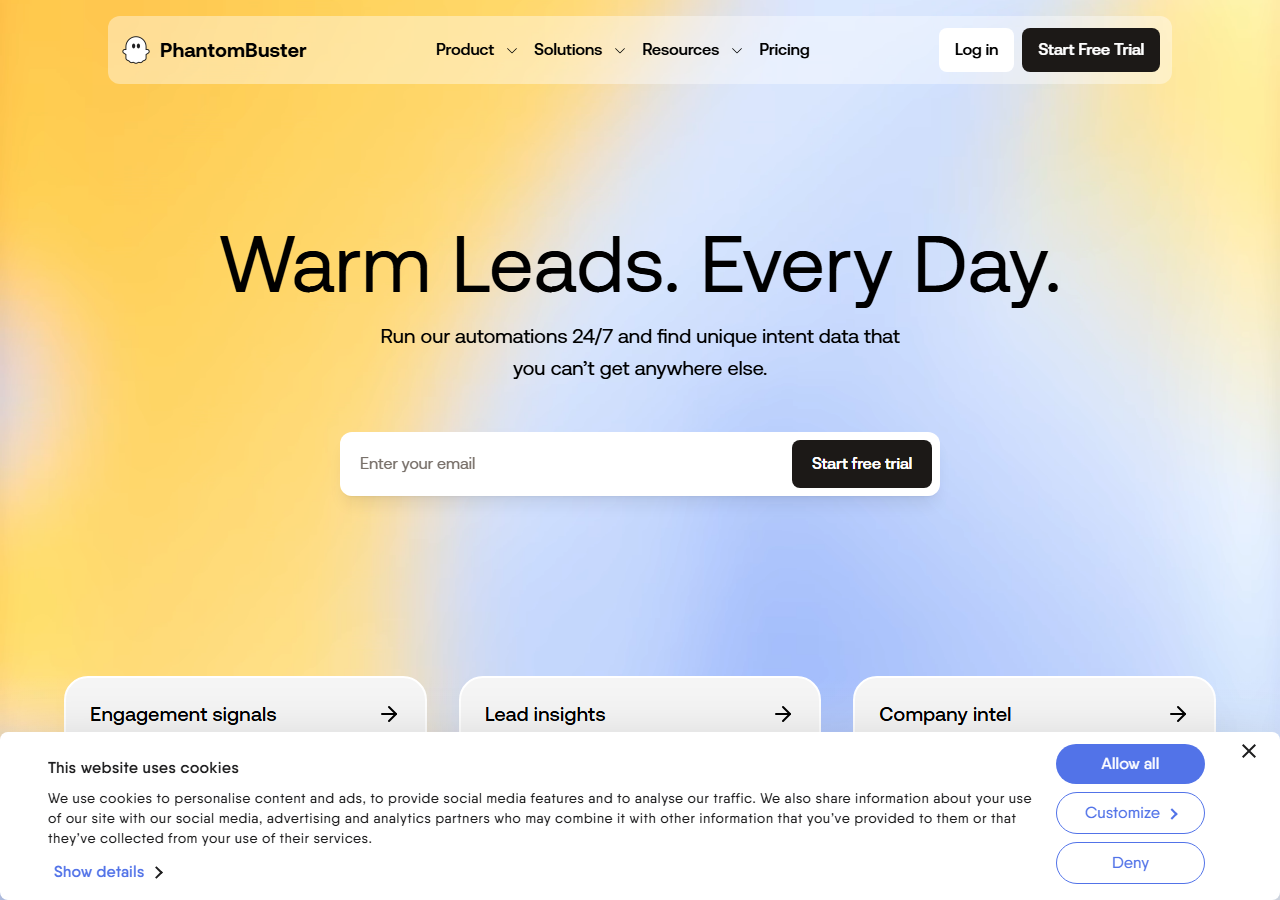
PhantomBuster was the best no-code option for marketers, with cloud Instagram automations that export reel and post data to CSV, Google Sheets, or a webhook. It scored an 83% success rate in my testing and fits a sales or marketing workflow. The catch is that its Instagram automations expect your session cookie, which puts your own account in the loop and means it does not run as a clean anonymous viewer.
What it returns. A ready-to-use CSV of reel and post fields: the post URL, video or image link, view and like counts, comment count, caption, and timestamp. The output is built for import into a CRM or reporting sheet, so it suits marketers tracking competitor content.
- No-code, scheduled cloud automations
- Exports straight to CSV, Google Sheets, or webhook
- Published slot-based pricing
- Automations use your Instagram cookie, risking your account
- Slot and execution-hour model is hard to map to a per-item cost
Pricing. Slot and execution-hour based. PhantomBuster’s Starter plan is $69 per month for 5 slots and 20 execution hours, the Pro plan $159 per month for 15 slots and 80 hours, and the Team plan $439 per month for 50 slots and 300 hours. Your throughput is capped by hours and slots, so heavy video pulls climb tiers fast.
Best for. Marketers and sales teams who want scheduled, no-code reel and post exports into existing tools.
6. Instaloader - best free option
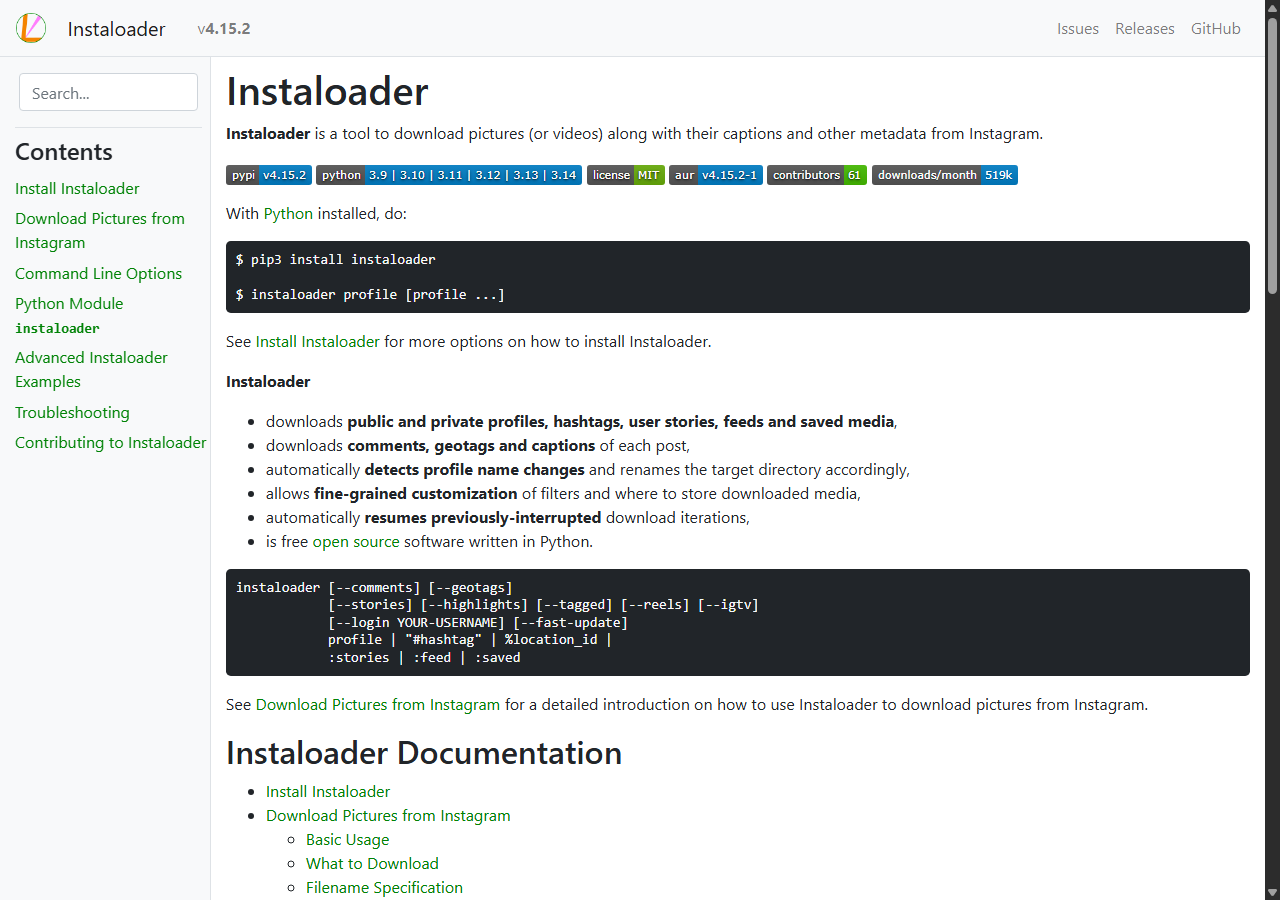
Instaloader was the best free Instagram reel and video scraper, because it is an open-source Python tool that downloads public reels and highlights directly with no API key and no cost. There is no managed proxy layer here, so it runs from your own IP, and inside Instagram’s rate limit it simply works. Python is the natural fit for this route, since Instaloader is Python-first and the surrounding tooling assumes it, which I cover in how to scrape Instagram with Python.
What it returns. Native media straight from Instagram’s public endpoints. The --reels flag downloads a profile’s reel videos and the --highlights flag downloads its pinned highlight reels, each with the caption, timestamp, view count, and the video file itself. The --stories flag downloads active stories but requires login, so anonymous story capture is the one gap. A minimal reel pull looks like this:
instaloader --reels --no-pictures profile nasa- Free and open-source, no API key for public reels
- Downloads reels, highlights, and the video files
- Well-documented and widely used
- Runs from your own IP, so Instagram rate-limits it fast
- Story download requires login, which risks the account
Pricing. Free. The real cost is throughput: from a single IP Instagram caps logged-off requests at roughly 200 per hour before a temporary block, so Instaloader fits research on a handful of public accounts. For bulk video collection a managed API was the cheaper path for me once I priced in the proxies I would otherwise need. I mapped the wider open-source landscape in open-source Instagram scrapers on GitHub.
Best for. Researchers and hobby projects pulling a small number of public reels and highlights.
Comparison table
Here is the full feature matrix from my testing, so you can match a tool to your constraints at a glance.
| Feature | ChocoData | Apify | Bright Data | Oxylabs | PhantomBuster | Instaloader |
|---|---|---|---|---|---|---|
| Parsed reel JSON out of the box | yes | yes | yes | partial | CSV | yes |
| Active stories supported | yes | yes | partial | manual | no | login |
| Highlights supported | yes | yes | partial | manual | no | yes |
| Video URL and view count | yes | yes | yes | manual | yes | yes |
| No proxy setup needed | yes | yes | yes | yes | yes | no |
| No login or cookie needed | yes | yes | yes | yes | no | partial |
| Free tier | yes | yes | trial | trial | trial | yes |
| Price / 1k items (tested tier) | ~$0.60 | ~$1.00 | ~$1.50 | ~$1.35 | slot-based | free |
| Best for | overall | reel actors | scale | volume | marketers | free |
What teams use Instagram reel, story & video data for
Teams pull Instagram reel, story, and video data mostly for content research and competitive monitoring, and the use case decides how much volume you need and therefore which scraper fits. The four I see most often:
- Content-trend research: tracking which reels and audio tracks are gaining views across a niche, a steady, medium-volume job over a list of accounts and hashtags, which leans on view counts and captions.
- Competitor story monitoring: watching a set of brands’ active stories on a schedule to catch promotions and launches inside the 24-hour window, the use case where anonymous, scheduled capture matters most.
- Creator and campaign tracking: measuring the reach of sponsored reels by view, like, and comment counts over time, which the official Instagram Graph API cannot do for accounts you do not manage.
- Ad and creative analysis: collecting video files and thumbnails to study hooks and formats, which pairs reel collection with an Instagram image scraper for the visual assets.
Most of these need steady, medium-scale collection well below the millions-of-records pulls that justify the heaviest tools, so the right pick is usually the one that returns clean video data with the least operational overhead, which is the question the final section settles.
How to choose
Choose by media type, volume, and how much of the fetch layer you want to own. For reels, stories, and highlights as JSON with no proxy or login work, a managed API like ChocoData was the cleanest in my testing and the cheapest per item, while Apify gives you a ready-made reel actor with deep fields at a higher per-item cost. For very large video pulls Bright Data’s proxy depth pays off, and if you already run Oxylabs, its Web Scraper API adds Instagram pages at volume once you write the parser. Finally, PhantomBuster fits a marketer who wants no-code exports though it uses your account cookie, and if your project is small and you write Python, Instaloader downloads public reels and highlights free inside Instagram’s rate limit.
Two practices held across every tool I tested. Throttle to a steady request rate and back off on errors, because bursts trip Instagram’s block faster than volume does. For stories, schedule frequent runs against your target accounts, since the 24-hour window means a once-a-day pull will miss most of what posts. Pull only the public fields you need, which keeps you clear of the personal-data questions that the €265 million Meta GDPR fine turned on.
The one path I would avoid is assembling your own residential proxy pool and re-reversing Instagram’s GraphQL doc_id every few weeks to keep a DIY reel scraper alive, unless that maintenance is the thing you want to build. For most teams the time cost outweighs the savings. If you want to start with the managed route I ranked first, the ChocoData free tier covers 1,000 requests before you commit to anything, and my wider best Instagram scrapers guide covers the tools that handle profiles, posts, and hashtags alongside reels and stories.
FAQ
What is the best Instagram story scraper in 2026?
In my testing the best Instagram story scraper overall was ChocoData, which returned the active stories and permanent highlights of a public account as parsed JSON with the media URL, type, and timestamp at a 95% success rate, with no proxy setup or login on my side. Apify was the strongest ready-made actor option and Instaloader was the best free route for downloading a handful of public highlights.
Can you scrape Instagram stories anonymously without an account?
You can read a public account's active stories and highlights anonymously through a managed Instagram story scraper API, because the request goes out from the service's own rotating IPs and never registers a view from you. The official Instagram Graph API stories endpoint cannot do this, since it only returns stories for accounts that authorized your app and only while each story is live.
How do you scrape Instagram reels?
You scrape Instagram reels by sending a reel URL or a username to a scraper that returns the reel object as JSON: the video URL, view and play counts, likes, comments, caption, hashtags, audio track, and duration. In my runs a managed reel scraper returned all of these on one call. The DIY route reverse-engineers Instagram's GraphQL queries, but Instagram rotates its doc_id values every few weeks, so that approach breaks often, as the Scrapfly Instagram guide documents.
What is the best free Instagram reel scraper?
The best free Instagram reel and video scraper is Instaloader, the open-source Python tool that downloads public reels with its --reels flag and highlights with --highlights. It is free and needs no API key for public reels, but Instagram rate-limits it from a single IP, so it fits small jobs. Its story download flag requires login, and a managed API was cheaper for me on bulk video pulls once I priced in proxies.
Why does my Instagram video scraper get blocked?
Instagram blocks most automated traffic by IP reputation before it returns any reel or story data, so a request from an AWS, Google Cloud, or DigitalOcean server is flagged on sight and rate-limited at roughly 200 requests per hour per IP for logged-off traffic. Rotating residential IPs and a steady request rate are what get past it. I walk through the warnings and limits in my guide to avoiding Instagram scraping blocks.