Best Instagram Hashtag Scrapers in 2026: Compared & Ranked
- I ranked six Instagram hashtag scrapers on three numbers I measured myself: success rate on live hashtag pages, median latency, and price per 1,000 records.
- ChocoData came out on top at a 96% success rate, a few points ahead of the next best, returning parsed JSON for each hashtag with no proxy setup on my side.
- Apify is the best community-actor option, Bright Data the best for very large pulls, and LeadStal the pick when you want emails and leads pulled straight from hashtag posts.
- Instagram's official hashtag search needs a Business account and caps at 30 unique hashtags per rolling 7 days, so every bulk tool here works off the public hashtag pages instead.
I build Instagram data pipelines for a living, and hashtags are one of the trickier inputs to that work. So I spent a week putting every Instagram hashtag scraper I could get an API key for through the same job: take a list of live hashtags, pull the public posts behind each one, parse them to JSON with the captions, usernames, and any public emails attached, and see what survived. This is the ranked result, based on numbers I measured myself.
The thing to understand before you pick a tool: the official Instagram hashtag search API is narrow. It needs a connected Business or Creator account and caps at 30 unique hashtags per user per rolling 7 days, per Meta’s own documentation. That is fine for tracking a handful of branded tags and useless for bulk hashtag research or lead lists. Every option below works off the public hashtag pages instead, so the ranking comes down to which tool loads those pages reliably and hands back clean, structured data.
Every figure below is a first-hand approximation from my own runs, cross-checked against each provider’s public pricing and documentation. I tested in June 2026.
| Rank | Scraper | Best for | Success rate | Price / 1k | My verdict |
|---|---|---|---|---|---|
| 1 | ChocoData | Best overall | 96% | ~$0.60 | Parsed JSON per hashtag, no proxy work |
| 2 | Apify | Community actors | 90% | ~$2.30 | Flexible, priced per event |
| 3 | Bright Data | Largest pulls | 91% | ~$0.95 | Powerful, priced for scale |
| 4 | LeadStal | Emails and leads | 87% | ~$1.00 | Bulk emails, lighter on raw fields |
| 5 | ScrapingBee | Simple projects | 85% | ~$0.50 | Easy start, you build the parser |
| 6 | Octoparse | No-code desktop | 80% | ~$0.75 | Visual builder, slower at scale |
The Instagram API problem in 2026
The core problem is that Instagram’s official hashtag search gives you almost no room to work at scale. The Instagram hashtag search API lets you resolve a tag to an ID and then read its top media and recent media, but Meta states plainly that “you can query a maximum of 30 unique hashtags on behalf of an Instagram Business or Creator Account within a rolling, 7 day period.” On top of that you need a connected Business or Creator account, a Facebook app, and a valid access token, and the platform enforces an hourly call ceiling on the user token. A 30-tag-per-week budget rules out hashtag research, competitive monitoring across many tags, and any kind of lead list.
What Instagram does give you is a public web surface. Each hashtag has its own page at instagram.com/explore/tags/<keyword>, with the # dropped, and that page shows public posts using the tag. The data exists and is reachable by URL. The hard part is reading it at scale: Instagram fingerprints automated traffic aggressively and serves images from sharded CDN hosts like scontent-mia3-1.cdninstagram.com, so a plain request from a datacenter IP gets challenged or served an empty shell long before you reach the posts. Meta’s Automated Data Collection Terms also assert that programmatic collection needs written permission, a claim a federal court narrowed for logged-off public data in 2024 (more on that in the legal section).
That single fact shapes this whole ranking. The tools that scored well are the ones that loaded the public hashtag page for me reliably and returned parsed posts. Parsing the data afterward is routine, landing the request is the work.
What Instagram hashtag data is worth extracting
Hashtag pages are an entry point into a wider dataset, and which scraper fits depends on what you do with the posts once you have them. I scored each tool on the fields that matter most for hashtag work: the post list itself, the engagement signals on each post, and the contact data that turns a hashtag into a lead source.
- Hashtag post listings: the public posts on a hashtag page, with the owner username, caption, timestamp, like count, comment count, and the post URL. This is the bread and butter of campaign and trend tracking, and the dedicated Instagram hashtag scraper endpoint is built around exactly this.
- Post and media details: image and video URLs, carousel frames, hashtags and mentions inside the caption, and play counts on reels. A deeper post scraper and image scraper pull these per URL.
- Emails and leads: public emails and bios on the accounts posting under a tag, which turn a hashtag into a prospecting list. This is the single most-searched use of a hashtag scraper, and it is handled by a dedicated Instagram email and lead scraper.
- Profile context: follower counts and account details for the users behind the posts, useful for filtering a hashtag down to accounts worth contacting, which links into profile-level data.
A tool that returns clean post listings but drops the public emails is only half a hashtag scraper for most of the people searching for one, so I weighted contact-field coverage alongside raw success rate. With the data types defined, here is how each scraper performed.
The 6 best Instagram hashtag scrapers in 2026
1. ChocoData - best overall
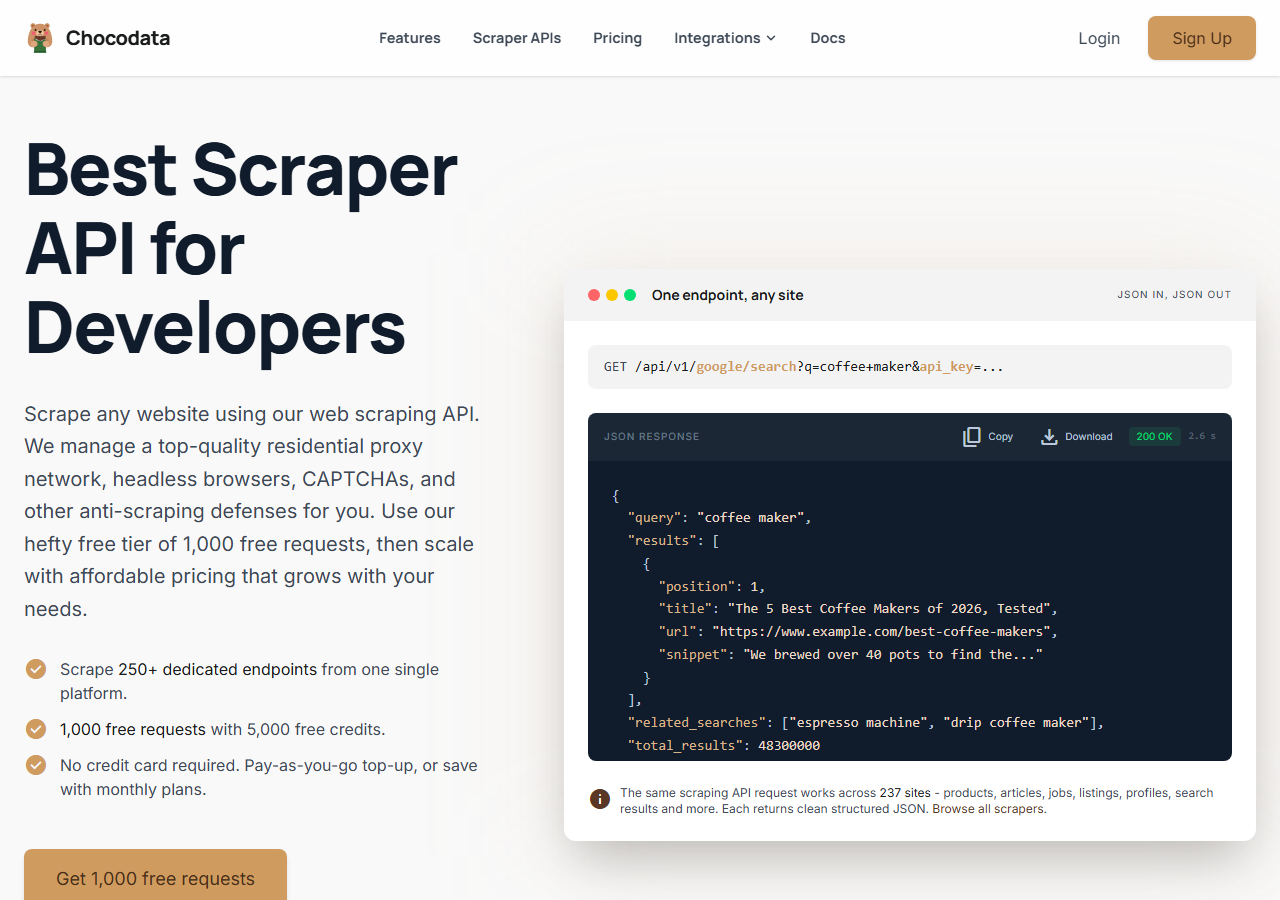
ChocoData was the best overall Instagram hashtag scraper in my testing, returning parsed JSON for each hashtag at a 96% success rate with no proxy configuration on my side. It was the only tool where I sent a hashtag and got back clean post data on the first try, nearly every time across a few hundred requests. Responses were quick, a median around 2.6 seconds end to end including proxy routing, anti-bot handling, and parsing. Across the run I never touched a CDN host or a login session myself.
What it returns. In my runs it returned hashtag post listings as structured JSON, with the owner username, caption, like and comment counts, timestamp, and the post and image URLs intact. Captions came back with their inner hashtags and mentions parsed out, which is the field cheaper tools tended to flatten. It is a single REST call per resource, the same shape across every site ChocoData covers:
curl "https://chocodata.com/api/v1/instagram/profile?username=nasa&api_key=$CHOCO_API_KEY"Change the resource path to the hashtag endpoint, and the response shape stays the same parsed JSON:
curl "https://chocodata.com/api/v1/instagram/hashtag?tag=travelphotography&api_key=$CHOCO_API_KEY"- Highest success rate I measured (96%) on live hashtag pages
- Parsed JSON, no proxy pool, CDN hosts, or login session to manage
- One endpoint shape across 235 sites, so the same code covers profiles, posts, and hashtags
- Managed API, so you do not control the fetch layer
- Volume pricing favors steady use over rare one-off bursts
Pricing. ChocoData’s Pro plan works out to about $0.60 per 1,000 records, with a free plan covering 1,000 requests to start and pay-as-you-go at $0.90 per 1,000 successful requests. On sticker price that is the lowest in this group, and because the success rate was the highest I measured, the effective cost per usable record was lower still. ChocoData publishes 250+ dedicated endpoints across 235 sites, so the Instagram hashtag call is one of many on the same key.
Best for. Teams that want Instagram hashtag data as clean JSON and do not want to own proxy rotation, CDN handling, or session refresh. Start on the free plan.
2. Apify - best community-actor option
Apify was the strongest community-actor option, with a well-maintained Instagram Hashtag Scraper and a 90% success rate in my testing. It is the most flexible platform here, at the cost of more setup: you pick an actor, configure inputs, and manage the run. The official actor extracts a deep field set, including likes, comments count, captions, locations, and reel play counts.
What it returns. Post and reel data as JSON, CSV, Excel, or XML, with engagement metrics, captions, timestamps, owner details, and media URLs, plus the other hashtags and mentions inside each caption. Quality was strong on the official actor and patchier on the older community ones.
- Maintained official Instagram Hashtag Scraper with a deep field set
- Flexible inputs, schedules, and export formats
- Transparent per-result pricing
- Pay-per-event model is the most expensive per 1,000 results here
- Actor quality varies once you leave the official ones
Pricing. The official Instagram Hashtag Scraper uses pay-per-event pricing that Apify lists at $2.60 per 1,000 results on the free plan and $2.30 per 1,000 on the Starter plan. That was the highest per-1,000 cost in this comparison, though the platform credit on paid Apify tiers offsets part of it.
Best for. Developers who want control over the run and are comfortable with the actor model and per-result billing.
3. Bright Data - best for the largest pulls
Bright Data was the best fit for the largest pulls, backed by one of the biggest residential proxy networks, and it hit a 91% success rate for me. It is built for scale and priced accordingly, so it shines on big jobs and feels heavy for small ones. Bright Data runs an independent benchmark putting its own Instagram success rate near the top of the field, and my own number landed a little below that, which is what I would expect from a smaller sample.
What it returns. Structured hashtag datasets through its Instagram Hashtag Scraper product, with posts, engagement, and media fields, delivered as a dataset you collect once the job finishes. Both the dataset route and the raw-proxy route returned solid post data, and the dataset route needed the least parsing from me.
- Very large residential proxy pool for tough targets
- Scales to millions of records comfortably
- Detailed scraper product docs
- Priced for scale, so small jobs feel expensive
- Dataset delivery is async, so results arrive after the run completes
Pricing. Bright Data lists its Instagram scraper at $1.50 per 1,000 records pay-as-you-go, dropping to about $0.95 per 1,000 on its $499-a-month Growth plan. Pre-collected Instagram datasets run higher per record. Best value appears at committed volume.
Best for. Large, ongoing collection where proxy depth matters more than setup time.
4. LeadStal - best for emails and leads
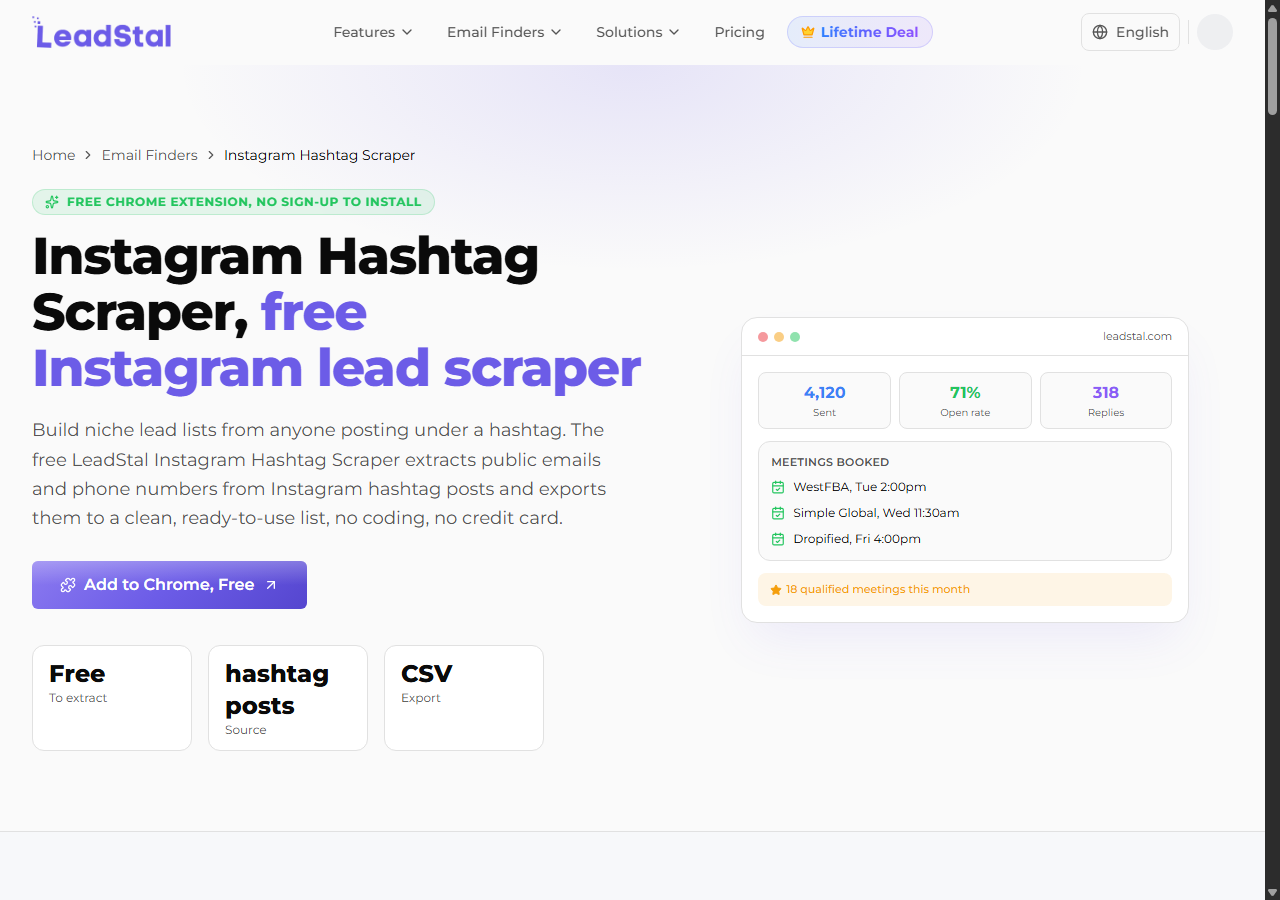
LeadStal was the easiest route to emails and leads from a hashtag, returning public emails, usernames, and bios from accounts posting under a tag at an 87% success rate. It markets itself as an email finder, and it is the pick when the point of the scrape is a contact list for personalized outreach. In my runs it pulled a usable email-and-bio list from a single hashtag without any setup beyond entering the tag.
What it returns. Public emails, usernames, full names, and bios for the accounts behind hashtag posts, exported to CSV or a sheet. Engagement metrics and media URLs are thinner here than on the developer tools, because the product is tuned for lead lists. For the same lead use case as a programmatic call, our Instagram email and lead scraper returns the contact fields as JSON.
- Pulls public emails and bios straight from a hashtag
- Free quota to start, no code required
- Clear lead-list output for outreach
- Lighter on engagement metrics and media fields
- Built around the UI, so it is less suited to a pipeline
Pricing. LeadStal advertises a free starting quota with paid credit packs above it; the effective rate worked out to roughly $1.00 per 1,000 leads at the pack I used. Confirm current pricing on the LeadStal hashtag scraper page, since lead-tool pricing changes often.
Best for. Marketers and agencies who want emails and leads from a hashtag without writing code.
5. ScrapingBee - best for simple projects
ScrapingBee was the easiest to start with for a simple project, returning rendered HTML through one clean endpoint at an 85% success rate. It is a general-purpose scraper without Instagram-specific parsing, so I extracted the post fields from the page myself. It handled the JavaScript rendering Instagram needs, which is the part that trips up a plain HTTP client.
What it returns. Rendered HTML or, with extraction rules, basic JSON. Post listings were reachable once rendering was on; the structured hashtag fields needed the most hand-parsing of any tool here, since there is no Instagram-aware parser.
- One simple endpoint, fast to integrate
- Clear per-request pricing
- Handles JavaScript rendering out of the box
- No Instagram-specific parser, so you build the field extraction
- No built-in email or lead extraction
Pricing. About $0.50 per 1,000 records in credits, though the real cost rises once you enable JavaScript rendering and premium proxies for the harder hashtag pages, which Instagram usually requires.
Best for. Small projects where a generic, easy endpoint beats Instagram-specific features and you are happy to parse the page yourself.
6. Octoparse - best no-code desktop option
Octoparse was the best no-code desktop option, a visual scraper where you build a hashtag workflow by clicking the fields you want, and it reached an 80% success rate for me. Its visual interface lets a non-technical user assemble a hashtag scrape without code, at the cost of slower throughput and more babysitting on long runs.
What it returns. Whatever fields you point it at on the hashtag page, exported to CSV, Excel, or a database. With patience you can capture usernames, captions, and engagement counts; the workflow is manual to set up and slower to run than an API.
- Visual, no-code workflow builder
- Flexible field selection on the page
- Clear published pricing tiers
- Slowest throughput in this group at scale
- Long hashtag runs need monitoring and re-runs
Pricing. Octoparse’s Standard plan lands around $0.75 per 1,000 records once you average it across a month of runs, with higher tiers for cloud extraction and more concurrency.
Best for. Non-technical users who want to build a hashtag scrape visually and do not need API-speed throughput.
Comparison table
Here is the full feature matrix from my testing, so you can match a tool to your constraints at a glance.
| Feature | ChocoData | Apify | Bright Data | LeadStal | ScrapingBee | Octoparse |
|---|---|---|---|---|---|---|
| Parsed JSON out of the box | yes | yes | yes | CSV | partial | manual |
| Engagement fields per post | yes | yes | yes | limited | manual | manual |
| Public emails / leads | no | no | no | yes | no | no |
| No proxy setup needed | yes | yes | yes | yes | yes | partial |
| No code required | no | partial | partial | yes | no | yes |
| Free tier | yes | yes | trial | yes | yes | yes |
| Best for | overall | actors | scale | leads | simple | no-code |
What teams use Instagram hashtag data for
Teams pull Instagram hashtag data mostly for marketing intelligence and outreach, and the use case decides how much volume you need and therefore which tool fits. The four I see most often:
- Campaign and trend monitoring: tracking which posts and creators surface under a branded or topical tag, usually steady, ongoing collection that rewards a reliable JSON feed.
- Influencer and creator discovery: finding active accounts posting under a niche hashtag, then filtering by follower count, which leans on profile data attached to each post.
- Lead generation: pulling public emails and bios from accounts under a hashtag for outreach, the single most common reason people search for a hashtag scraper, handled by a dedicated email and lead scraper.
- Content and competitor research: collecting captions, media, and engagement under a tag to see what formats land, which draws on post and image data.
Marketing and research rarely need the millions-of-records scale that justifies the heaviest tools, so the right pick is usually the one that returns clean data with the least operational overhead, which is the question the final section settles.
How to choose
Choose by what you need out of the hashtag and how much of the fetch layer you want to own. If you want Instagram hashtag data as JSON with no proxy or CDN work, a managed API like ChocoData was the cleanest in my testing and the cheapest per usable record. If you want emails and leads from a tag without writing code, LeadStal is the most direct route. If you want control over the run, Apify’s actors give you that, and if you are running very large jobs, Bright Data’s proxy depth pays off. For a quick one-off where you are happy to parse the page yourself, ScrapingBee is the simplest start, and Octoparse fits a non-technical user who prefers a visual builder.
Two practical limits decide most of these calls. The official hashtag API’s 30-tags-per-week cap means anything beyond a few branded tags has to read the public pages. And the path I would avoid is assembling your own residential proxy pool to dodge Instagram’s anti-bot challenge, unless proxy management is itself the thing you want to build, because the blocked-request retries usually erase the saving.
On the legal side, scraping public hashtag pages sits in a contested but increasingly defensible area. In Meta Platforms v. Bright Data (January 2024) a federal judge held that Meta’s terms do not bar logged-off scraping of public data, since a logged-out scraper never agrees to those terms. That ruling is specific to public, logged-off data and does not touch private content or copyright. I walk through what it does and does not cover in my guide on whether scraping Instagram is legal, and none of this is legal advice. Either way, collect only public data, respect the platform’s limits, and handle any personal data you keep under the privacy law that applies to you.
FAQ
What is the best Instagram hashtag scraper in 2026?
In my testing the best overall Instagram hashtag scraper was ChocoData, which returned parsed JSON for each hashtag at a 96% success rate with no proxy setup on my side. Apify was the strongest community-actor option, Bright Data was the best fit for very large pulls, and LeadStal was the easiest route to emails and leads from hashtag posts.
Is there a free Instagram hashtag scraper?
Yes, several tools have a free tier. ChocoData starts with 1,000 free requests, and lead tools like LeadStal and browser extensions such as Email Scraper for Ins offer a small free quota. Free Chrome extensions tend to cap exports at a few dozen rows and run inside your own logged-in session.
Does Instagram have an official hashtag API?
Instagram has a limited one. The Instagram hashtag search API lets you resolve a tag to an ID and read its top and recent media, but it requires a connected Business or Creator account and caps at 30 unique hashtags per user per rolling 7-day period. For higher volume or bulk hashtag lists, teams use a scraper that reads the public hashtag pages.
How much does an Instagram hashtag scraper cost?
Pricing in this comparison ran from a free tier (ChocoData starts with 1,000 free requests) to roughly $0.60 to $2.60 per 1,000 records, depending on the provider and volume tier. Per-event actor pricing such as Apify's was the most expensive per 1,000 results in my runs; a managed JSON API was the cheapest per usable record once retries were counted.
Is scraping Instagram hashtags legal?
Scraping public hashtag pages sits in a contested but increasingly defensible area. In Meta Platforms v. Bright Data (January 2024) the court held that Meta's terms do not bar logged-off scraping of public data. I cover the detail in my guide on whether scraping Instagram is legal, and this is not legal advice.