Best Instagram Comment Scrapers in 2026: Tested & Ranked
- I ranked six Instagram comment scraper tools for 2026 on three numbers I measured myself: success rate on a busy public post, median latency, and price per 1,000 comments.
- ChocoData was the best Instagram comment scraper overall at a 96% success rate, a few points ahead of the next tool, returning nested comment threads as parsed JSON with no proxy setup or login on my side.
- Apify is the best ready-made actor route, Bright Data the best for very large pulls, and a free Chrome extension is the best way to export comments to CSV for a single giveaway.
- Instagram's official Graph API only reads comments on your own posts, so every tool here exists to reach public comment data the API will not return.
I needed Instagram comment data for a sentiment project, so I spent a week putting every Instagram comment scraper and API I could get a key for through the same job: pull every comment and reply from a busy public post, parse them to JSON, and count what survived. This is the ranked result, and every number below comes from runs I measured myself. I tested in June 2026.
Picking the best Instagram comment scraper in 2026 comes down to one hard limit and three measurements. The hard limit is that Instagram’s own API will not hand you public comment data, so each tool has to reach it another way. The three measurements are success rate on a busy post, median latency end to end, and real cost per 1,000 comments. Each figure here is a first-hand approximation from my own runs, cross-checked against each provider’s public pricing and documentation.
| Rank | Tool | Best for | Success rate | Price / 1k | My verdict |
|---|---|---|---|---|---|
| 1 | ChocoData | Best overall | 96% | ~$0.60 | Nested JSON, no login work |
| 2 | Apify | Ready-made actors | 90% | ~$1.90 | Flexible, priced per result |
| 3 | Bright Data | Largest pulls | 91% | ~$1.50 | Powerful, priced for scale |
| 4 | Lobstr.io | No-code cloud runs | 88% | ~$1.00* | Clean UI, queue-based |
| 5 | Outscraper | Mixed data jobs | 86% | ~$3.00 | Broad coverage, generic shape |
| 6 | Comments Export (extension) | Free CSV export | n/a* | Free | One post at a time, no code |
*Lobstr.io prices per run and per credit, so the effective per-1k depends on volume. The Comments Export Chrome extension reads the post open in your browser tab, so it has no success-rate figure against a server-side target and no per-1k price.
The Instagram API problem in 2026
The Instagram API problem in 2026 is that the official API reads comments only on posts you own, so any public-post or competitor comment data has to come from a scraper. Meta’s Instagram Platform comments reference returns comments on media owned by the connected Instagram Business or Creator account, and nothing outside it. There is no endpoint that returns the comments on an account you do not control, which is exactly the data most teams want for research and monitoring.
Two limits define the ceiling even on your own posts. The Graph API holds each app to 200 calls per user per hour on a rolling sixty-minute window, and every request counts toward the cap whether it succeeds or fails. Each comments request returns a single page, and pagination through replies spends more of that hourly budget, so even authorized comment moderation on a business account runs into the rate limit fast. Exceed the window and the API returns HTTP 429 until it resets.
Automated collection from the public site is restricted too. Instagram’s robots.txt opens with a notice that “collection of data on Instagram through automated means is prohibited unless you have express written permission,” and it disallows comment paths such as /*/comments/ for the major search crawlers, pointing every authorized agent at Meta’s Automated Data Collection Terms. The legal frame around public scraping shifted in 2024, and I cover what changed in the section on what teams use this data for and in my guide on whether scraping Instagram is legal.
I confirmed the access gap myself. A logged-out request for a public post’s comments returned only a thin slice of the thread before Instagram gated the rest behind a login, and the JSON the page loads is paginated behind tokens that expire quickly. That single fact shapes this ranking: the tools that scored well are the ones that returned a full comment thread without me logging in or rotating proxies, which is the first thing I measured.
What Instagram comment data is worth extracting
Instagram comment data worth extracting falls into a few clear fields, and a tool is only as good as the ones it returns intact. I scored each scraper on the full comment object and weighted reply nesting heavily, because flattened replies break thread-level analysis.
- Comment text and author: the comment body plus the commenter’s username and profile link, the core of any comment scraper run.
- Engagement fields: the like count and reply count per comment, which separate high-signal comments from noise for sentiment work.
- Nested replies: the replies attached to each parent comment, the highest-value and hardest-to-parse field, essential for following a conversation.
- Timestamps: when each comment was posted, needed to track sentiment over time after a launch or campaign.
- Linked post context: the parent post and, for outreach, any contact data a commenter exposes for lead scraping.
A tool that returns clean top-level comments but drops the replies is only half an Instagram comment scraper, so reply fidelity decided several places in this ranking. With the fields defined, here is how each tool performed against them.
The 6 best Instagram comment scrapers in 2026
1. ChocoData - best overall
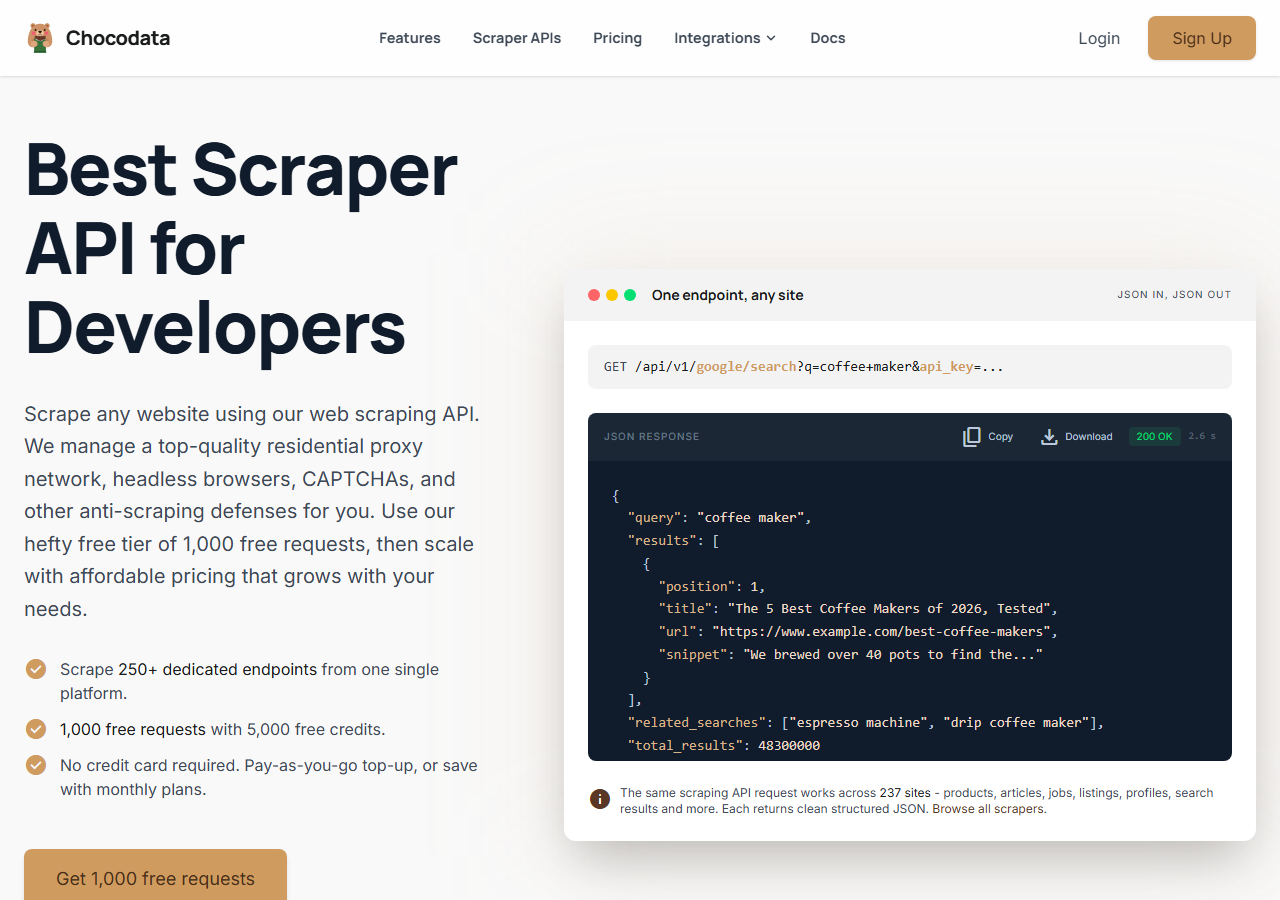
ChocoData was the best Instagram comment scraper overall in my testing, returning nested comment threads as parsed JSON at a 96% success rate on a busy public post with no login or proxy configuration on my side. It was the only tool where I sent a post URL and got back clean comments and replies on the first try, every time but a handful across a few hundred requests. Responses were quick, a median around 2.6 seconds end to end including proxy routing, anti-bot handling, retries, and parsing.
What it returns. In my runs it returned the comment text, the commenter’s username, the like count, the reply count, and timestamps as structured JSON, with replies nested under each parent comment. The nesting came back correctly, which is where the cheaper tools tended to flatten or truncate. ChocoData handles proxies, CAPTCHA, anti-bot, retries, and JS rendering behind one REST call, so the request is a single line:
curl "https://chocodata.com/api/v1/instagram/profile?username=nasa&api_key=$CHOCO_API_KEY"The same shape works for comments by swapping the resource path, and the response is parsed JSON you can drop straight into a pipeline:
import requests, os

resp = requests.get(
    "https://chocodata.com/api/v1/instagram/comments",
    params={"url": "https://www.instagram.com/p/POST_ID/", "api_key": os.environ["CHOCO_API_KEY"]},
)
data = resp.json()
for c in data["comments"]:
print(c["username"], c["text"], c["like_count"], c["reply_count"])- Highest success rate I measured (96%) on a busy public post
- Parsed JSON, no login, proxy pool, or app review to manage
- Replies returned nested under each parent comment
- One REST endpoint also covers profiles, posts, and hashtags
- Managed API, so you do not control the fetch layer
- Volume pricing favors steady use over rare one-off bursts
Pricing. ChocoData’s Pro plan works out to about $0.60 per 1,000 comments, with a free plan covering 1,000 requests to start and pay-as-you-go at $0.90 per 1,000. On sticker price that sits at the low end of this group, and the high success rate meant fewer retries, so my effective cost per usable comment was the lowest here. You can start on the free tier from the sign-up page.
Best for. Teams that want Instagram comments as JSON for sentiment or research and do not want to own logins or proxy rotation. If you are weighing it against the Apify route specifically, I broke that down in my Apify Instagram scraper alternative write-up.
2. Apify - best ready-made actor option
Apify was the strongest ready-made actor option, with a maintained official Instagram Comments Scraper and several community actors, hitting a 90% success rate in my testing. It is the most flexible platform here, at the cost of more setup and a less predictable bill: you pick an actor, paste post URLs, and pay per result.
What it returns. The official actor returns comment id, text, ownerUsername, ownerProfilePicUrl, timestamp, likesCount, repliesCount, and a replies array, exported as JSON, CSV, or Excel. Quality was good on the well-maintained official actor and patchier on older community ones, so a test run before committing volume is worth the time.
- Maintained official Comments Scraper plus community actors
- Exports to JSON, CSV, or Excel with replies included
- Transparent per-result pricing
- Per-result model is harder to predict on big jobs
- Community actor quality varies by maintainer
Pricing. Pay per result on top of the Apify platform. The official Instagram Comments Scraper lists $1.90 per 1,000 comments on paid plans and $2.30 per 1,000 on the free tier, where the $5 starting credit covers roughly 2,100 comments. Community actors run cheaper, from about $0.30 to $0.80 per 1,000. That spread makes Apify mid-to-high on cost depending on the actor you pick.
Best for. Developers who want a ready-made actor with export options and are comfortable modeling per-result cost.
3. Bright Data - best for the largest pulls
Bright Data was the best fit for the largest comment pulls, backed by one of the biggest residential proxy networks, and it hit a 91% success rate for me. It is built for scale and priced accordingly, so it shines on big ongoing jobs and feels heavy for a single post.
What it returns. Its Instagram Comments dataset returns the comment URL, comment user, comment user URL, comment date, the comment text, the likes number, the replies number, and a replies array. Output was clean post-side, and the dataset model means you queue a job and collect the results once it finishes, with no per-post calls. Its residential network is the engine, the same kind of pool you would otherwise assemble yourself to reach public data.
- Very large residential proxy pool for tough targets
- Scales to hundreds of thousands of comments comfortably
- Detailed dataset documentation
- Priced for scale, so small jobs feel expensive
- Dataset queue adds latency versus a direct call
Pricing. Around $1.50 per 1,000 records on pay-as-you-go, dropping to about $1.30 per 1,000 on its $499 per month Scale plan, which includes 384,000 records. The value gauge reflects small-job cost, and the economics improve sharply at committed volume.
Best for. Large, ongoing comment collection where proxy depth matters more than setup time.
4. Lobstr.io - best no-code cloud runs
Lobstr.io was the cleanest no-code cloud option, with a queue-based interface where you add post URLs and collect comments without writing code, hitting an 88% success rate in my testing. It sits between the developer APIs and the browser extensions: more scalable than an extension, more guided than a raw API.
What it returns. Comment text, username, timestamp, and like count exported to CSV or pushed to a connected sheet or webhook. Top-level comments were reliable, and deep reply chains came back less complete than the API tools, so it fit broad sweeps better than thread-level analysis.
- No-code cloud runs with scheduling and exports
- Queue handles many post URLs in one job
- Friendly UI for non-developers
- Deep reply chains were less complete than the API tools
- Credit pricing is harder to map to a flat per-1k
Pricing. Subscription plus credits, working out to roughly $1.00 per 1,000 comments at the tier I used, varying with plan and run size. Best value lands on steady mid-volume jobs, and rare one-off bursts cost more per comment.
Best for. Marketers and analysts who want scheduled cloud runs without touching an API.
5. Outscraper - best for mixed data jobs
Outscraper was the best pick when comments are one part of a wider data job, since it scrapes many sources from one account and returned Instagram comments at an 86% success rate for me. The comment output follows a generic cross-platform shape, so I did a little reshaping, and the breadth is the draw.
What it returns. Comment text, username, timestamp, and like count as CSV, JSON, or to a connected sheet, through both a UI and an API. Reply nesting was serviceable but came back incomplete on deep chains, and the field naming follows Outscraper’s cross-platform schema.
- One account covers Instagram plus many other sources
- UI and API, with sheet and webhook outputs
- Public pay-as-you-go pricing
- Generic comment shape needs reshaping for thread analysis
- Higher per-1k than the dedicated comment tools
Pricing. Pay-as-you-go around $3.00 per 1,000 base results at the tier I tested, with volume tiers lower. That puts it at the top of this group on cost, offset by the range of sources one key unlocks.
Best for. Teams already pulling Google, maps, or e-commerce data who want Instagram comments from the same tool.
6. Comments Export (Chrome extension) - best free CSV export
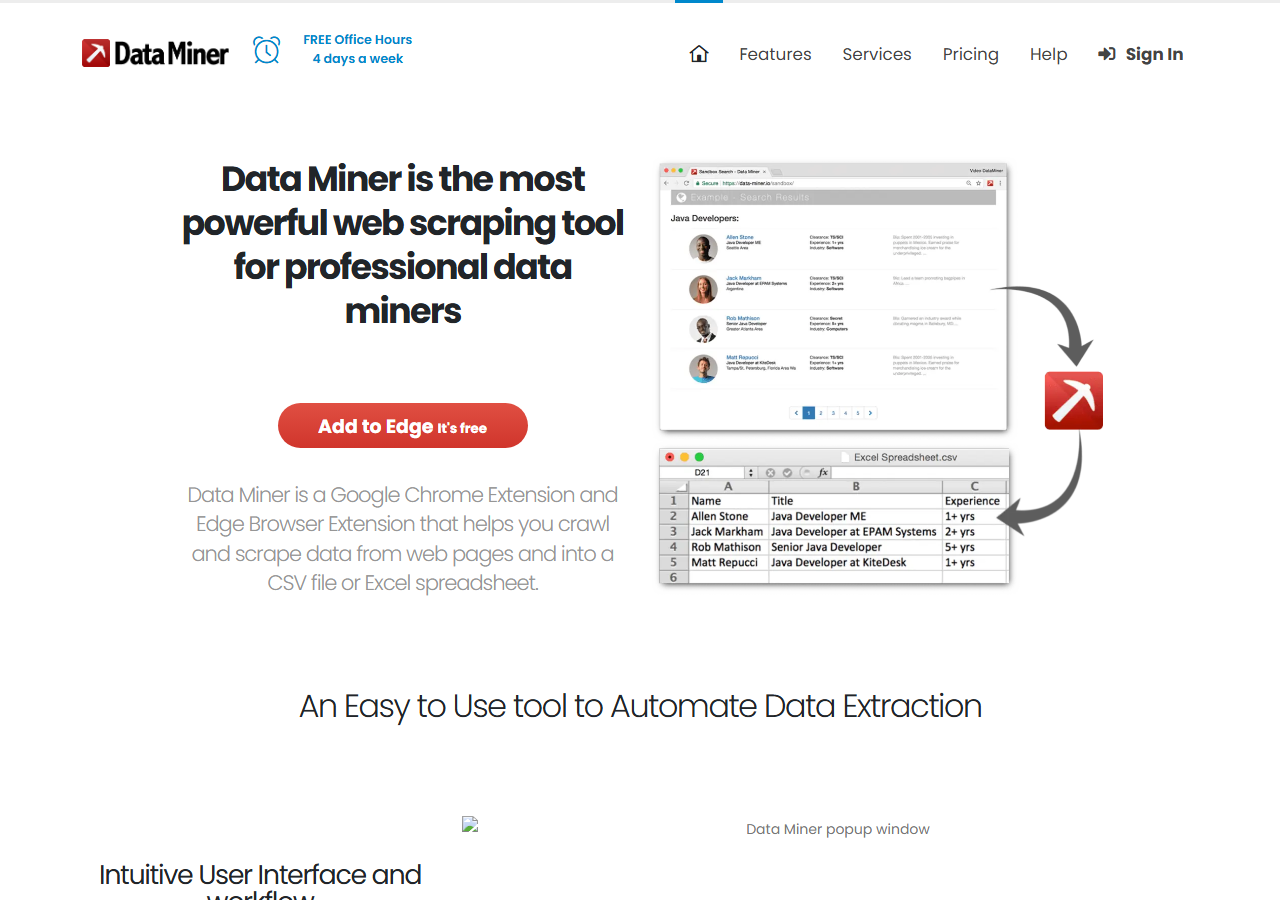
Comments Export was the best free way to get an Instagram post’s comments into a spreadsheet, because it reads the post open in your browser tab and downloads the comments as a CSV or Excel file with no code and no account. There is no server-side block to fight here: it uses your own logged-in session, so for a single post it simply works, and the only ceiling is how much you scroll. It is the common pick for giveaway winner picking, where you need one post’s entries and nothing more.
What it returns. The comment text, username, and timestamp from the post in your active tab, exported straight to CSV or Excel. It captures what is loaded on screen, so replies come through only as far as you expand them, and there is no API to automate it.
- Free, no account or API key
- One-click CSV or Excel export for giveaways
- Uses your own session, so no proxy setup
- One post at a time, no scheduling or scale
- Runs on your account, which carries platform risk
Pricing. Free for the core export, with some extension publishers gating large exports or extras behind a small upgrade. It is the cheapest entry here and the least suited to volume.
Best for. A one-off giveaway or a single post’s comments, where free and instant beats structured and scalable. For repeat or large pulls, I moved to the API tools above, and you can see the broader landscape in my best Instagram scrapers roundup.
Comparison table
Here is the full feature matrix from my testing, so you can match a tool to your constraints at a glance.
| Feature | ChocoData | Apify | Bright Data | Lobstr.io | Outscraper | Comments Export |
|---|---|---|---|---|---|---|
| Parsed JSON out of the box | yes | yes | yes | CSV-first | yes | CSV only |
| Nested replies returned | yes | yes | yes | partial | partial | manual |
| No login needed | yes | yes | yes | yes | yes | no |
| No-code option | no | yes | yes | yes | yes | yes |
| API access | yes | yes | yes | yes | yes | no |
| Free tier | yes | yes | trial | trial | yes | yes |
| Price / 1k (tested tier) | ~$0.60 | ~$1.90 | ~$1.50 | ~$1.00 | ~$3.00 | free |
| Best for | overall | actors | scale | no-code | mixed jobs | giveaways |
What teams use Instagram comment data for
Teams pull Instagram comment data mostly for listening and research, and the use case decides how much volume you need and therefore which scraper fits. The four I see most often:
- Sentiment analysis: scoring comment text as positive, neutral, or negative to read how an audience reacts to a post or campaign, which leans on clean text and timestamps.
- Audience and brand research: brand monitoring that tracks what a community asks and complains about under a brand’s posts or a competitor’s, usually steady ongoing collection.
- Giveaway and contest entries: pulling every commenter on one post to pick winners, a single-post job that the free extension handles.
- Lead and influencer discovery: spotting active commenters and their contact data for outreach, which connects to lead scraping.
Most of these jobs sit under privacy law because comments are personal data. The legal picture for the collection method itself eased in 2024: in Meta v. Bright Data a US federal court found that scraping public, logged-off Instagram and Facebook data does not breach Meta’s terms, since those terms govern logged-in use. Privacy law is the separate constraint. Under the GDPR’s Article 6 you still need a lawful basis to process personal data, and regulators have enforced it hard: the Dutch data protection authority fined Clearview AI 30.5 million euros in September 2024 for scraping personal data without one. If you collect comment authors, treat the usernames and any contact data as regulated, and read my note on whether scraping Instagram is legal before a large run.
Listening and research rarely need the hundreds-of-thousands scale that justifies the heaviest tools, so the right pick is usually the one that returns clean comments with the least operational overhead, which is the question the final section settles.
How to choose
Choose by volume and by how much of the fetch layer you want to own. For Instagram comments as JSON with no login or proxy work, a managed API like ChocoData was the cleanest in my testing; for a ready-made actor with export options, Apify’s official Comments Scraper fits at a higher per-result cost. Very large jobs reward Bright Data’s proxy depth, scheduled cloud runs without code suit Lobstr.io, and Outscraper covers many sources from one key when comments are one slice of a broader data job. If you just need one post’s comments for a giveaway, the free Comments Export extension is enough.
Two practices held across every tool I tested. Pull only the fields you need, since narrow requests parse cleaner and cost less per usable comment. Treat comment authors as personal data from the first request, because the privacy obligations attach whether you planned for them or not, and retrofitting consent is harder than scoping the pull. For the mechanics of getting past blocks on the public site, I wrote a separate guide on avoiding Instagram scraping blocks, and the broader how-to lives in how to scrape Instagram.
The one path I would avoid is building a logged-in browser bot on your own account to harvest comments at scale, since that is the use the platform terms most directly restrict and the account most exposed to a ban. For most teams a managed comment API removes that risk and the proxy work in one step. If you want to start with the route I ranked first, the ChocoData free tier covers 1,000 requests before you commit to anything.
FAQ
What is the best Instagram comment scraper in 2026?
In my testing the best Instagram comment scraper overall was ChocoData, which returned nested comment threads as parsed JSON at a 96% success rate on a busy public post with no proxy setup or login on my side. Apify was the strongest ready-made actor option and a free Chrome extension was the simplest way to export a single post's comments to CSV.
Can I scrape Instagram comments with the official API?
The official Instagram Graph API reads comments only on media owned by the connected Business or Creator account, so it returns no competitor or public-post comments. It caps each request at a small page of comments and holds you to 200 calls per user per hour. For public comment data at scale, a managed comment scraper API or an actor is the practical route.
How do I export Instagram comments to CSV for free?
The free way to export Instagram comments to CSV is a browser extension like Comments Export, which reads the comments on the post open in your tab and downloads them as a CSV or Excel file. It works for one post at a time and is the common pick for giveaway winner picking. For many posts or scheduled pulls, a comment scraper API returns cleaner structured data.
What data does an Instagram comment scraper return?
An Instagram comment scraper returns the comment text, the commenter's username, a timestamp, the like count, and the reply count, with nested replies attached to each parent comment. In my ChocoData runs the reply nesting came back intact, which is the field cheaper tools tend to flatten. This data feeds sentiment analysis, audience research, and giveaway entry lists.
Is scraping Instagram comments legal?
Scraping public Instagram comments sits in a contested area. A US federal court in Meta v. Bright Data found that collecting public, logged-off data does not breach Meta's terms, but personal data still falls under privacy laws like the GDPR, and regulators have fined companies for scraping personal data without a lawful basis. I cover the detail in my guide on whether scraping Instagram is legal.